

An order
It starts at the table, the register, or online. The kitchen display shows it, the station that cooks it sees it, and the sale is counted where it happened. Nobody types the same order a second time.
Built by a restaurateur
Odarius brings daily operations together and reduces repetitive administration, so the team has more time for guests. AI assistance where it helps, with clear control over what happens next.
A minute of a real day
Ten moments from the Darius sample restaurant, in the order they happen: an order, an allergy, a shortfall behind the bar, a receipt, a fridge that warms up, a delivery, and a dinner special that waits for a person to approve it. Watch the narrated story, with chapters and transcripts.
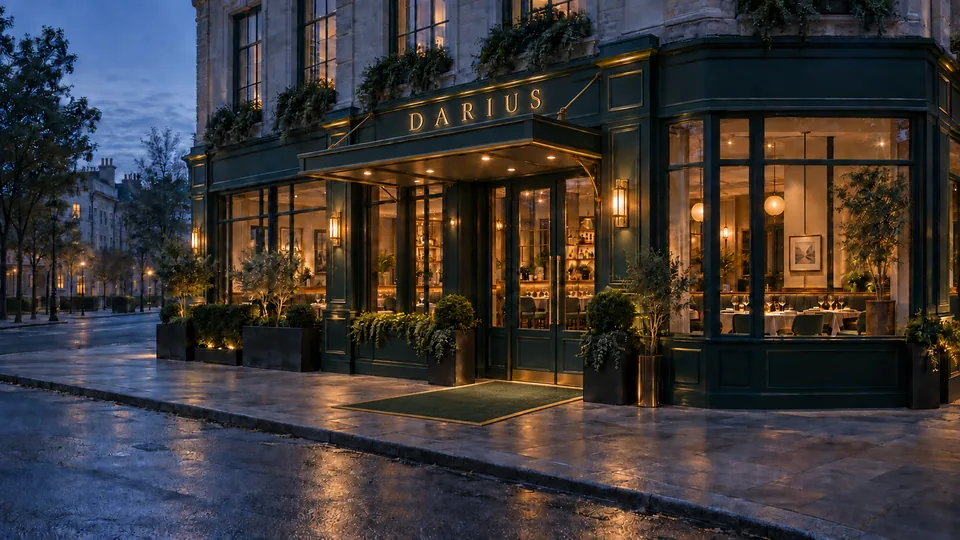
Before serviceBefore the first guest arrives, the day has already begun.
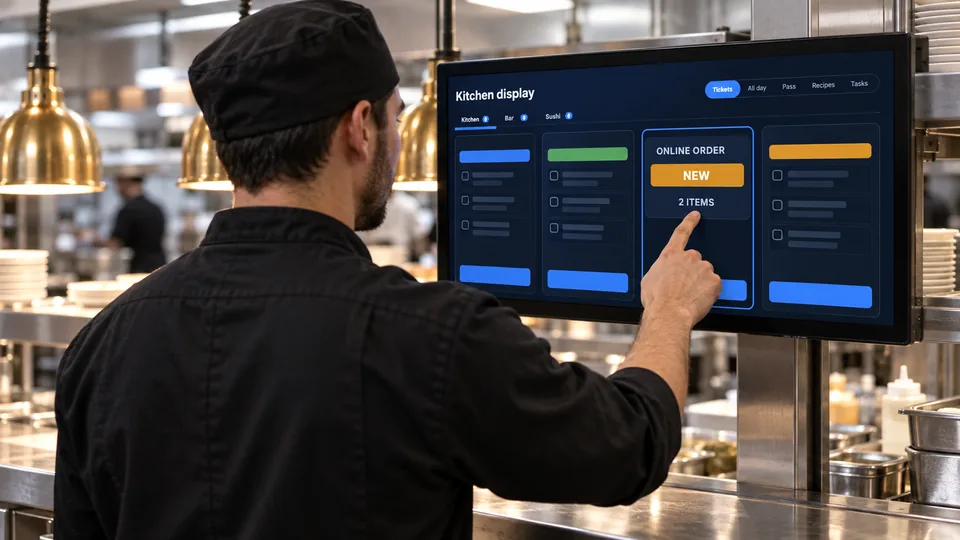
An orderNew online order, received — two items, sent through to the station that cooks them.
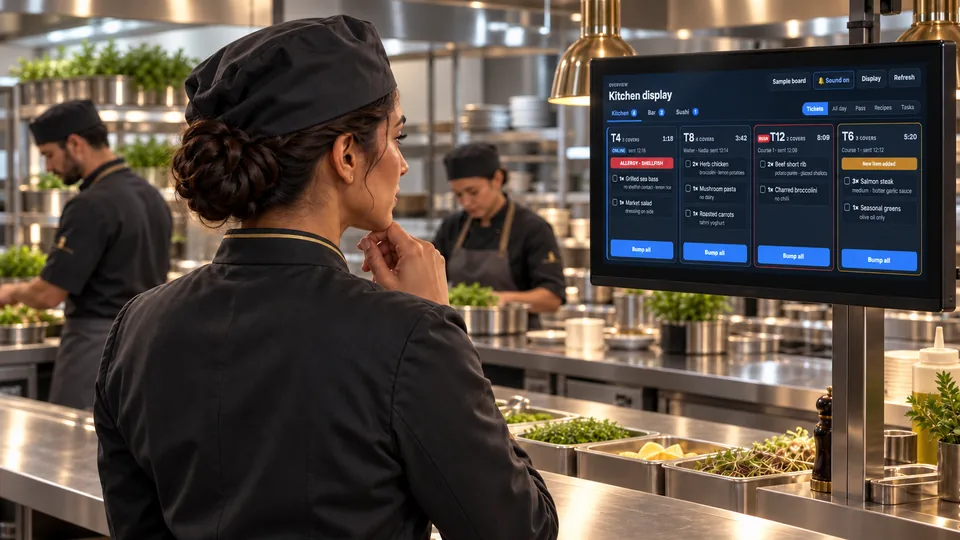
An allergyThe shellfish allergy is clear on the kitchen ticket before preparation begins.
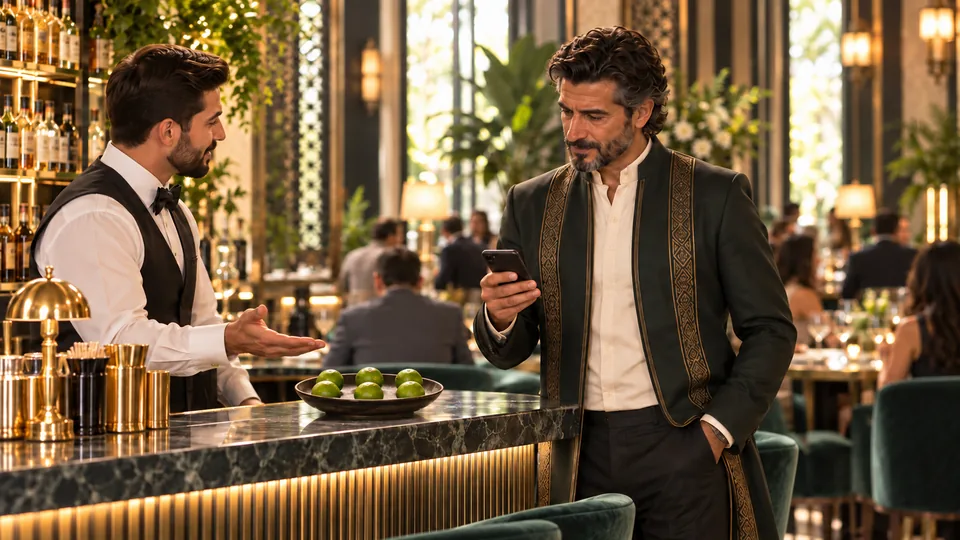
A shortfallSix limes left and three lime drinks ordered. The delivery moved to tomorrow, so someone makes a quick run.
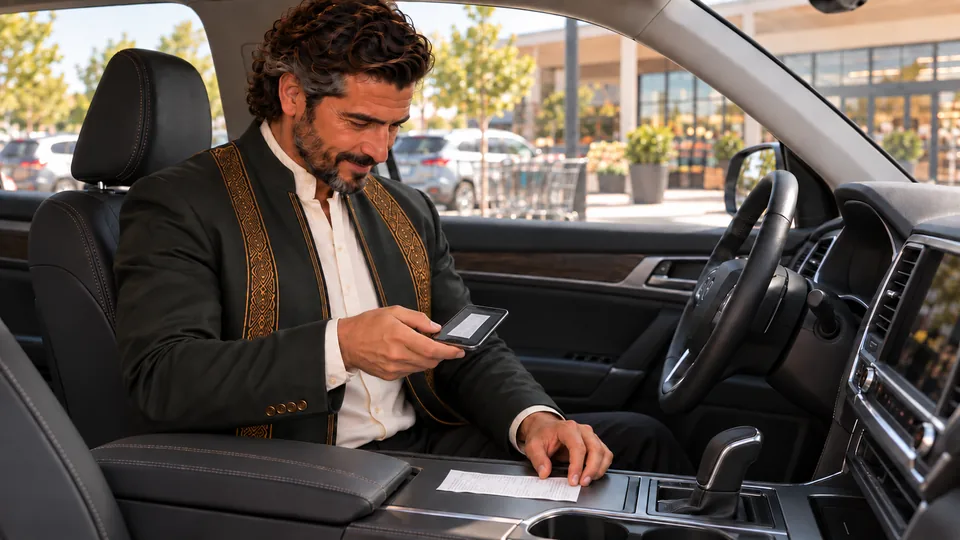
The receiptCaptured at the counter, before it finds a permanent home in somebody’s pocket.
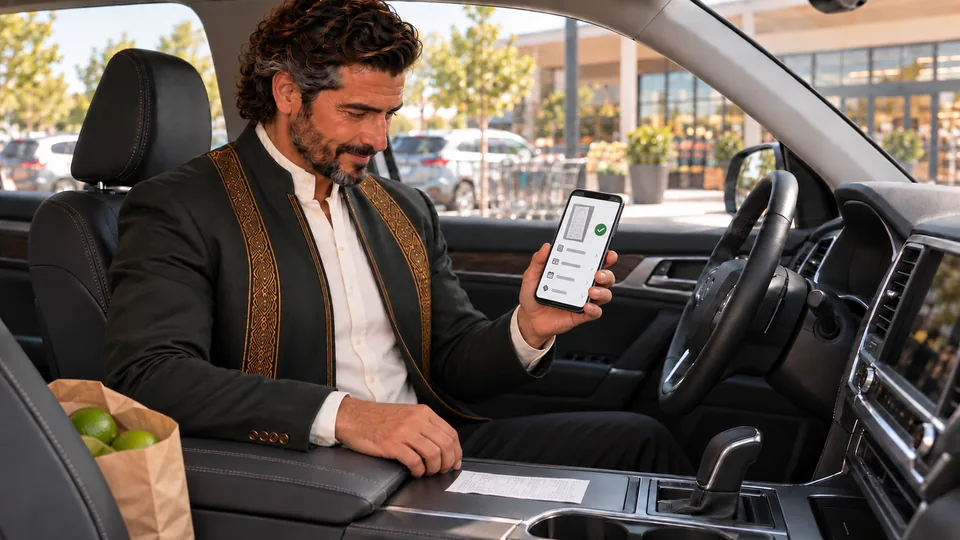
Read, then approvedVendor, date, tax, total, read into a draft. A person still checks it before anything is posted.

The buildingPrep refrigerator two is above its normal range. The kitchen gets called hands-free to check the door.
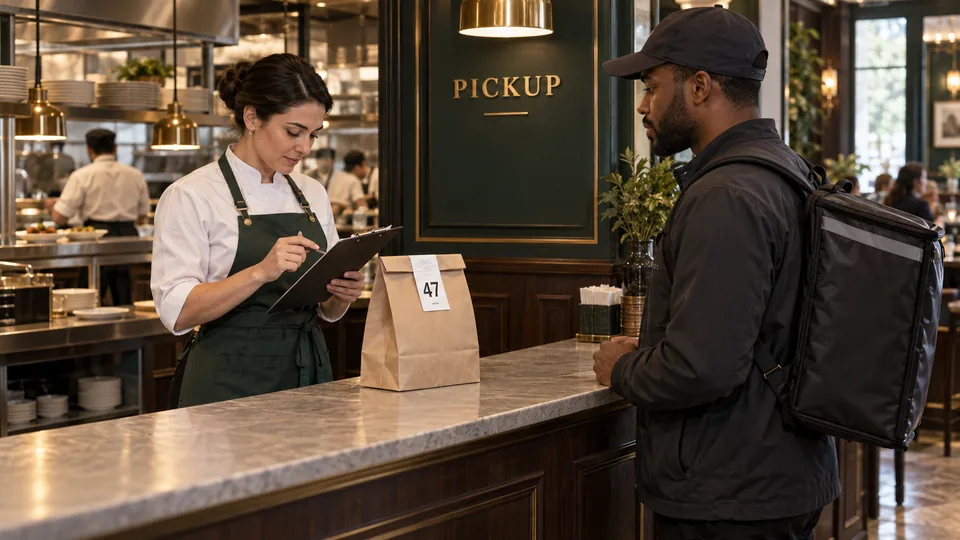
A handoffOrder forty-seven is sealed, checked and away with the driver — and the handoff is recorded, not phoned.
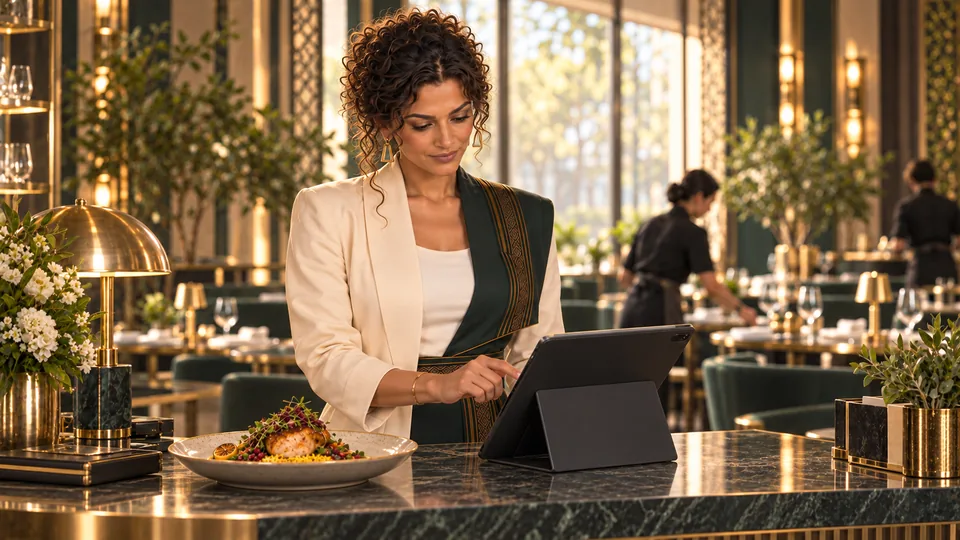
Approved, then liveEverything looks right, so publish the dinner special. It goes out to the approved channels and nowhere else.
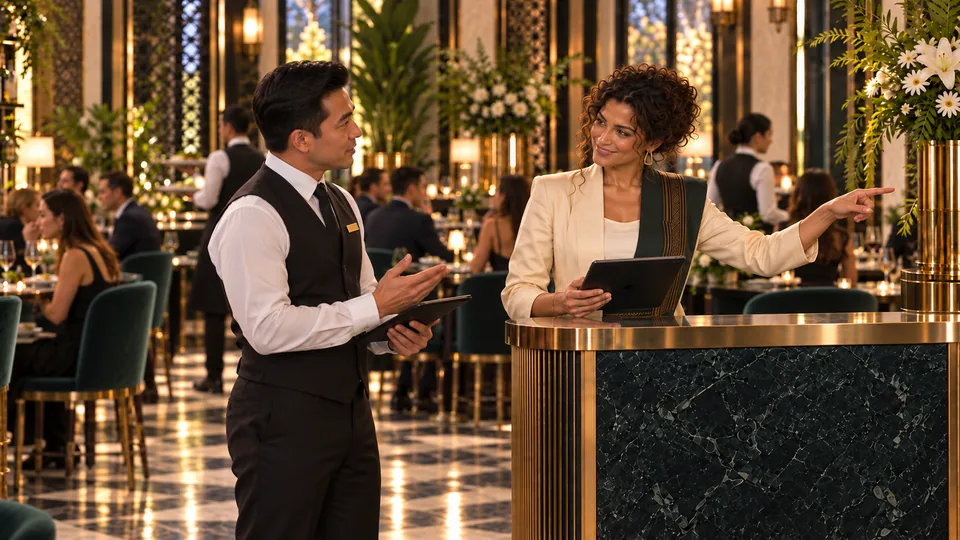
Busy, not franticAn allergy question, a pickup ready, and the next reservation arriving. All three get taken, and none of it looks frantic.
Dario, Sepsut and the Darius restaurant are fictional, and these are safe demo screens — no real guest, employee or venue appears in them.
Tutorials
Learn with complete recordings, chapter navigation, English captions, and transcripts.
Four ordinary jobs
Not a list of modules — four things a restaurant does every day, and what changes when the parts are connected.
See all capabilitiesIt starts at the table, the register, or online. The kitchen display shows it, the station that cooks it sees it, and the sale is counted where it happened. Nobody types the same order a second time.
The supplier's invoice arrives as paper or a photo. Odarius reads the supplier, the dates, the totals and the lines, and puts them in a draft beside the purchase order — then it stops. You correct anything it read wrong and approve it, and only then does it post. Watch that review, start to finish.
Staff clock in on a shared device. The hours land against the schedule you published, so the week's timesheet is already written by the time you sit down with it.
Costs, sales and stock read from the records the shifts actually produced — the same rows the register and the kitchen wrote, not a second set kept by hand.
Connect compatible leak, refrigeration, and electrical monitors—and support configured water shutoff controls—so physical problems can surface sooner. See how it connects.
One action, useful everywhere
Odarius connects the operating loop. Each team gets the view it needs while management keeps the complete picture.
At the register, online, or through the service flow.
Tickets move to the right station and handoff.
Connected tools can reflect the work as it happens.
Use one view to understand what needs attention.
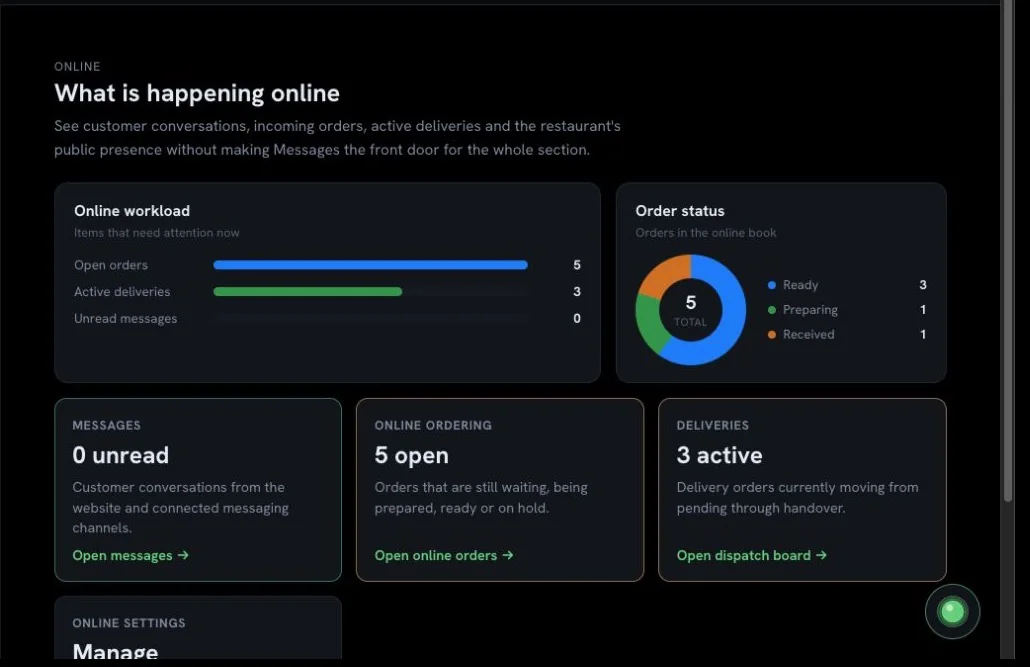
Odarius gives the front of house, kitchen, and management focused views of the same operation. These are real screens from a safe demo workspace—not concept art.
Take the platform tour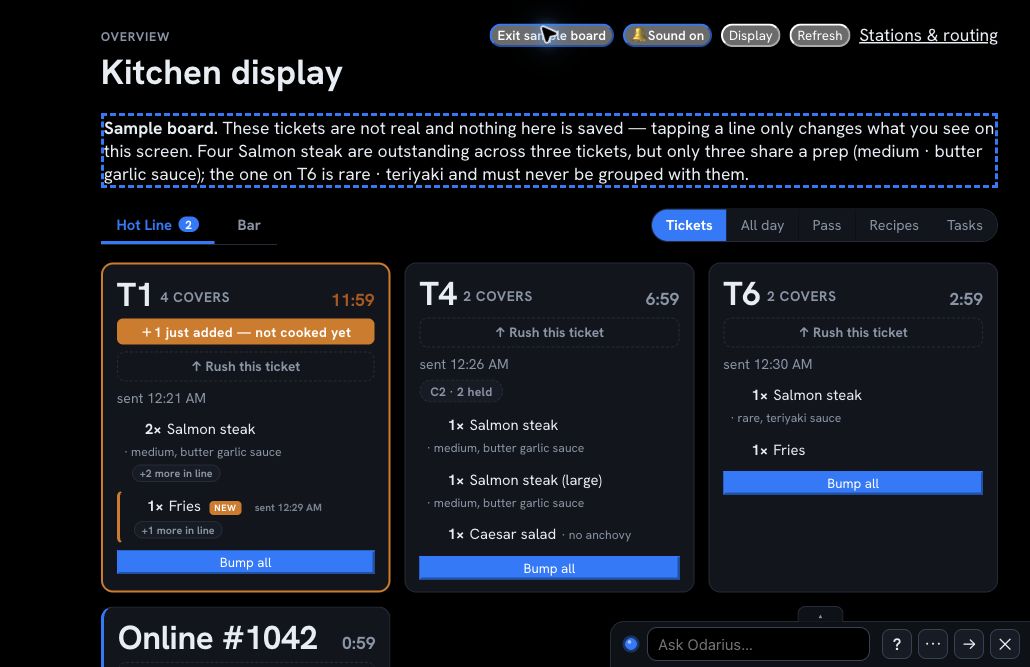
Access without confusion
Signing in confirms who someone is. Their company membership and role decide what they can see and change.

Meet your platform guides
Dario, the Steward, welcomes people into the practical operating tour. Sepsut, the Strategist, guides the numbers, trends, and business-health story. Anna and Odi accompany them in selected scenes where they support the calm atmosphere.
Dario, Sepsut, Anna, Odi, and the Darius sample restaurant are fictional. They are visual hosts—not a promise that a live AI assistant is available in every part of the platform today.
Read the story behind the guidesPrivate testing · invitation only
Small and mid-size businesses that can test responsibly are especially useful now. Very high-volume operations or idea-stage projects may be safer waiting until Odarius is ready for public release.
Closed testing · on Google Play
All five device apps are on Google Play closed testing. Scan with the Google account we put on the tester list and the app installs and updates itself from Play. Every other device in the building uses the Android file from odarius.com instead — the same build, no account needed. Full install page, with every address written out.
The till
com.odarius.pos
The kitchen display
com.odarius.kds
Owners and managers
com.odarius.manager
Shifts and the clock
com.odarius.staff
Delivery
com.odarius.driver
Not on the tester list yet? Request access and we add the Google account you sign in with. iPhone and iPad are on TestFlight while the App Store listings are prepared.
Tell us how your restaurant works and what you would be willing to test.